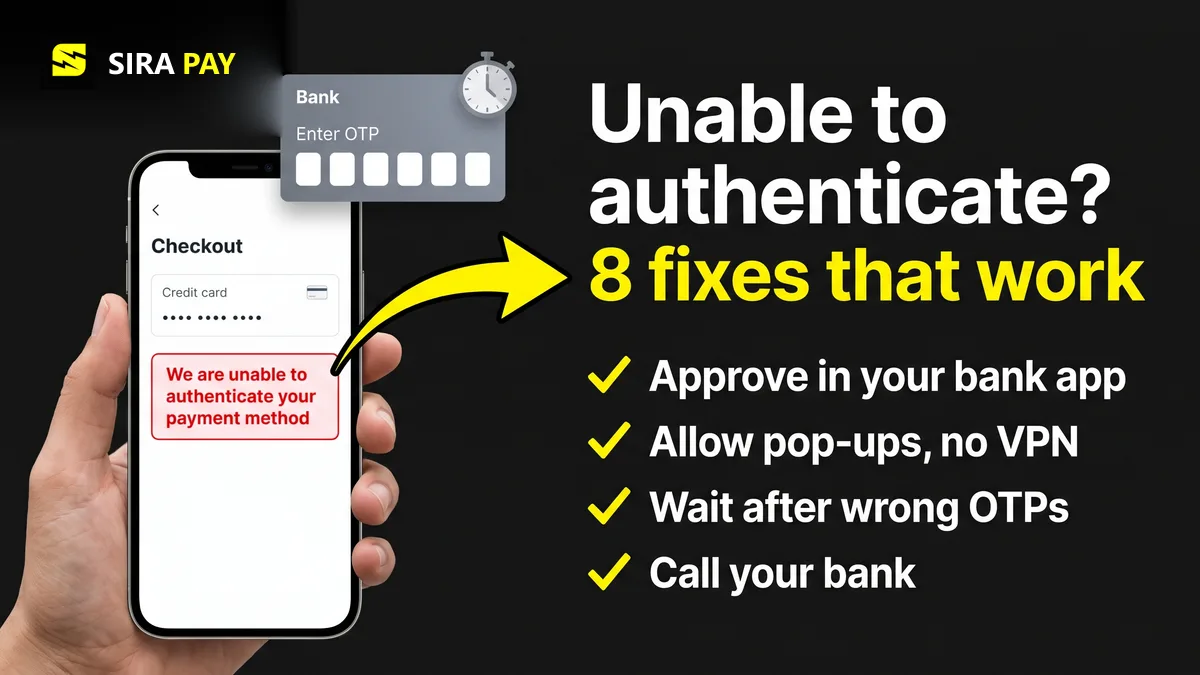
You choose ChatGPT Plus, Go or Pro, enter your card, and checkout stops with a message like this:
"We are unable to authenticate your payment method. Please choose a different payment method and try again."
A close variant reads "Your card may be invalid or authentication may be needed." On OpenAI's community forum, users reported it between April and May 2026. Some were upgrading from Go to Plus and one from Plus to Pro. One user in India said it happened with a Visa debit card that worked for other subscriptions. Another said three cards, several browsers and the iPhone app all failed the same way.
The good news: this is rarely a problem with your ChatGPT account. It is about one step between OpenAI's checkout and your bank. This guide explains that step, the usual reasons it fails, and the fixes to try in order. Facts were checked on November 8, 2026.
Skip the bank hassle — get a privacy-first virtual card in minutes, no forced KYC.🎁 Use code WELCOME23 for 70% off the Monthly Card, or WELCOME07 for 33% off the Yearly Card.
Get Your Virtual Card →What "Authenticate" Means Here
Many banks ask for extra proof that you are the card owner before an online payment goes through. This is called 3D Secure, shown as Visa Secure or Mastercard Identity Check. You see it as an OTP by SMS, a pop-up from your bank, or an approval request in your banking app.
ChatGPT's checkout asks your bank for this check. If the bank never sends back a clear yes, checkout can't take the payment and shows the authentication error. The bank may not have refused the card at all. The check simply didn't complete. That is different from a plain decline, which our guide to "payment was not approved" covers.
Why the Check Fails
| Cause | What happens |
|---|---|
| The OTP or bank-app approval never finished | The code arrived late, the approval timed out, or the page was refreshed or closed while it was open. |
| A pop-up blocker, VPN or browser setting got in the way | The bank's check opens in a pop-up or frame. Blocked pop-ups, ad blockers, cookies or JavaScript switched off, or a weak connection can stop it from loading. |
| Too many wrong codes | After a few failed attempts many banks lock the check for a while, often around an hour, so the next tries fail too. |
| The card isn't set up for 3D Secure | Some cards need to be enrolled in Visa Secure or Mastercard Identity Check, and a new or reissued card may need it again. |
| The bank's own risk check said no | A foreign merchant, a larger amount or a new device can trigger it. From October 1, 2026, Indian banks must be able to run extra checks on some cross-border online payments. |
| Details don't match | OpenAI's support team points to the card number, expiry date and billing address. They must match what the bank has on file. |
The lockout and enrolment points come from Stripe's guide to 3D Secure failures. The billing-details point is what OpenAI's support team told forum users in April 2026. OpenAI also says it rarely receives the exact reason from the bank, so your bank is the only place that can tell you what happened.
8 Fixes, in Order
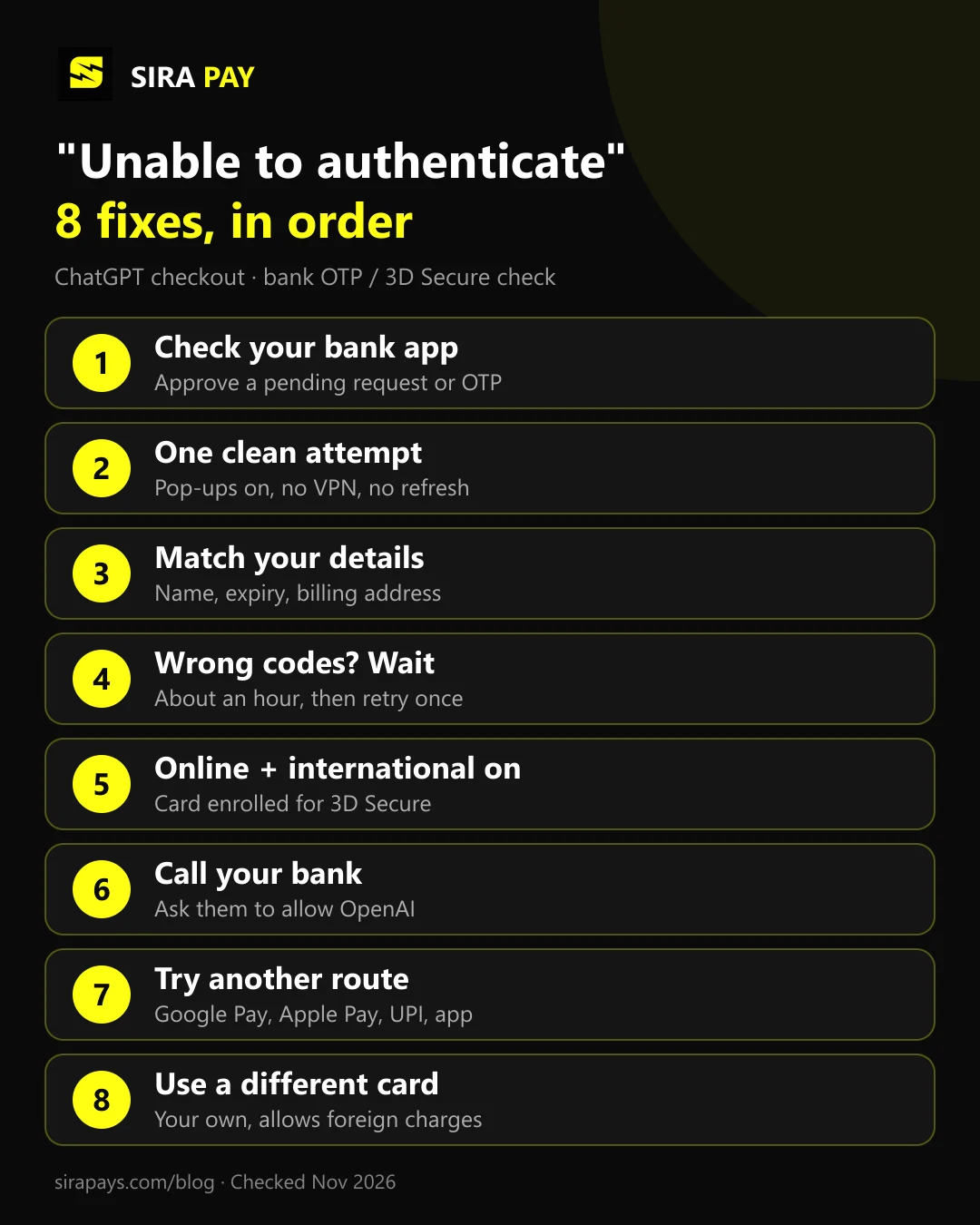
- Look for a pending approval. Open your banking app and your SMS before anything else. Some banks wait for a tap in the app and never send a code. Approve it while the ChatGPT page is still open.
- Make one clean attempt. Use a normal browser window, not the in-app browser of another app. Allow pop-ups for chatgpt.com, switch off VPNs and ad blockers, keep cookies on, and use a stable connection. Don't refresh or go back while the bank's screen is loading.
- Match your details exactly. Card number, expiry date, name and billing address, including the postal code, as your bank has them.
- Wait after wrong codes. If you typed a wrong OTP a few times, give it about an hour. Rapid retries only extend the lock, and many failed attempts can make the bank more suspicious.
- Switch on online and international use. In your bank app, make sure the card is allowed for online and international payments, and that it is enrolled for 3D Secure. A new or replaced card may need this again.
- Call your bank. Ask whether a charge from OpenAI was blocked or challenged, and ask them to allow it. In India, our India guide covers UPI, e-mandates and the new cross-border checks.
- Try another route. If your checkout offers Google Pay or Apple Pay, or UPI in India, try it. You can also subscribe in the ChatGPT app through Google Play or the App Store; our app payment guide covers the problems there.
- Use a different card. OpenAI's checkout itself suggests this. Pick a card in your own name that allows international recurring payments. If none of yours does, see the next section.
If It Happens When You Upgrade
Several forum reports came from people who already paid for Go or Plus and tried to move up a plan. An upgrade is a new charge on your saved card, so the bank can ask for 3D Secure again. Before retrying, check that the saved card in ChatGPT's billing settings is current and has enough balance for the new price. If it keeps failing, contact OpenAI support from the help center and say at which step it stops. OpenAI's team asked for exactly that.
If money left your account but your plan didn't change, that is a different problem. Our guide on paying for Plus but still being on Free covers it.
Where SiraPay Fits
If your bank keeps failing the check, a separate card for ChatGPT can solve it. SiraPay is a privacy-first Visa virtual card. You sign up with your email, with no forced KYC, no ID upload and no face scan. The card is accepted at 150M+ merchants, and people use SiraPay in 100+ countries. You fund it with Binance Pay or crypto from any Web3 wallet, so your bank's foreign-payment settings don't matter.
When a payment asks for a one-time code, you don't wait for an SMS: the code appears in the SiraPay app when you open the card details, and it is also sent by email. See where to find the OTP code.
The ChatGPT Card is made for ChatGPT and other AI subscriptions, and code ChatGPT1 gives 60% off it. Keep enough on the card for each ChatGPT renewal, and note that a SiraPay card doesn't renew itself when it expires. For current prices, Check the app
No card can promise that OpenAI accepts every payment, and a card doesn't change your country's rules on foreign exchange, crypto or tax. More answers are in our Help Center.
Watch it work
A real ChatGPT payment with a SiraPay card
Our step-by-step video tutorial: paying for a ChatGPT subscription with a SiraPay virtual card.
Quick Answers
What does "unable to authenticate your payment method" mean on ChatGPT?
It means your bank's extra security step, 3D Secure, didn't finish. That step is the OTP or banking-app approval. The card was not necessarily rejected: the check simply never got a yes, so OpenAI couldn't take the payment.
My card works on other sites. Why does ChatGPT fail?
Other sites may not ask your bank for 3D Secure, or may charge in your own currency. ChatGPT bills a foreign subscription, which can trigger the bank's risk check. Ask your bank whether it blocked or challenged a charge from OpenAI.
Was I charged if I saw this error?
Usually not. A failed authentication normally means no money left your account, though some banks show a pending hold that drops off later. If money was taken and your plan didn't change, follow the steps for a charge without an upgrade.
How long should I wait before trying again?
If you entered several wrong codes, wait about an hour. Then make one clean attempt in a normal browser window with pop-ups allowed and no VPN, instead of many quick retries.
Final Thoughts
"Unable to authenticate your payment method" sounds serious, but it usually means one security step didn't reach the end. Look for a pending approval, make one clean attempt, and give the bank time if you typed wrong codes. If your bank still won't complete the check for OpenAI, ask it why, then move to another route or another card instead of retrying for days.