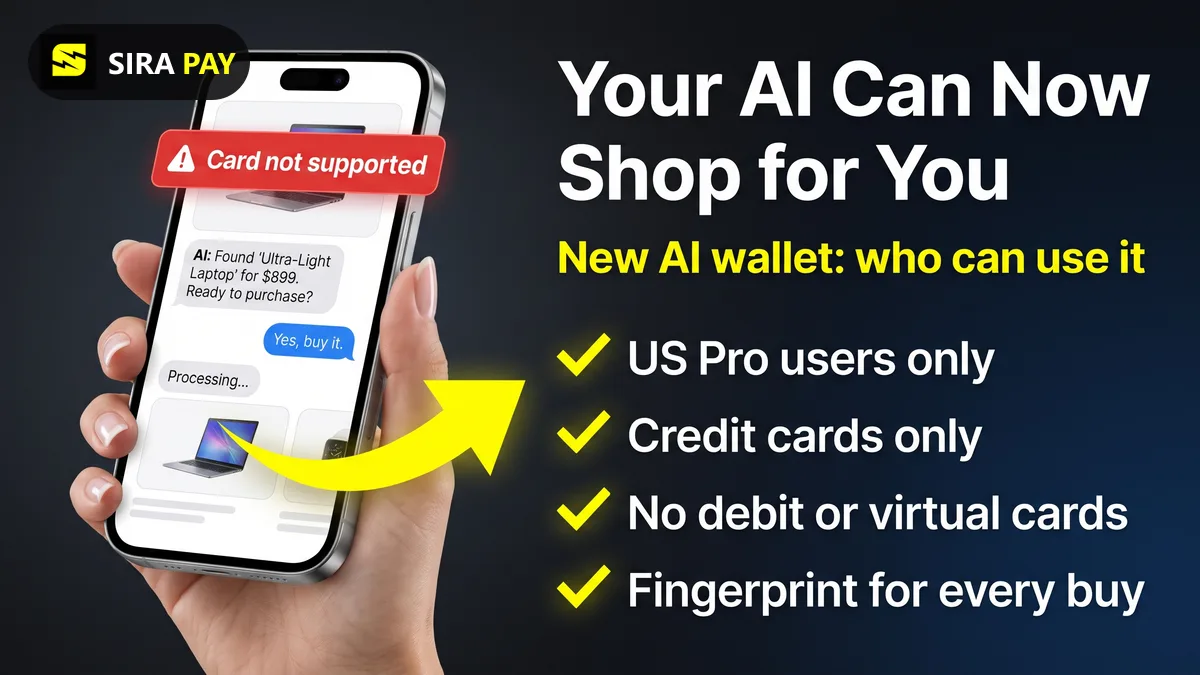
OpenAI has given ChatGPT a way to pay. With ChatGPT Wallet, the agent you work with, called a dot, can find a sweater, book a hotel or reorder something, then check out with your card after you approve. OpenAI calls it the first wallet that lets agents pay without seeing your actual card details. Here is what it does, who can use it today, and which cards are in or out.
Everything below comes from OpenAI's launch announcement and its help pages on making purchases with ChatGPT Wallet and getting started with your dot, checked on November 14, 2026.
Skip the bank hassle — get a privacy-first virtual card in minutes, no forced KYC.🎁 Use code WELCOME23 for 70% off the Monthly Card, or WELCOME07 for 33% off the Yearly Card.
Get Your Virtual Card →ChatGPT Wallet at a Glance
| Launched | November 13, 2026, rolling out gradually |
| Who can use it | ChatGPT Pro subscribers, 18 or older, living in the US with a US billing address |
| Where it works | Only in conversations with your dot, not in regular Chat, Work or Codex threads |
| Cards accepted | Eligible US-issued American Express, Chase, Mastercard and Visa credit cards |
| Not accepted | Debit cards, and virtual cards at launch |
| Approval | Every purchase, with Face ID, Touch ID or a fingerprint on a supported device |
| What the shop sees | A payment token (a stand-in card number), not your real card details |
What Is a Dot, and Where Does Wallet Fit?
A dot is an always-on agent inside ChatGPT. It has its own cloud computer, works with the apps you connect, and keeps going between conversations. Wallet is the piece that lets it pay. It only works in a conversation with your dot, so you won't see it in a normal chat. Dots themselves are rolling out to Pro users aged 18 and older, outside the European Economic Area, Switzerland and the UK.
How a ChatGPT Wallet Purchase Works
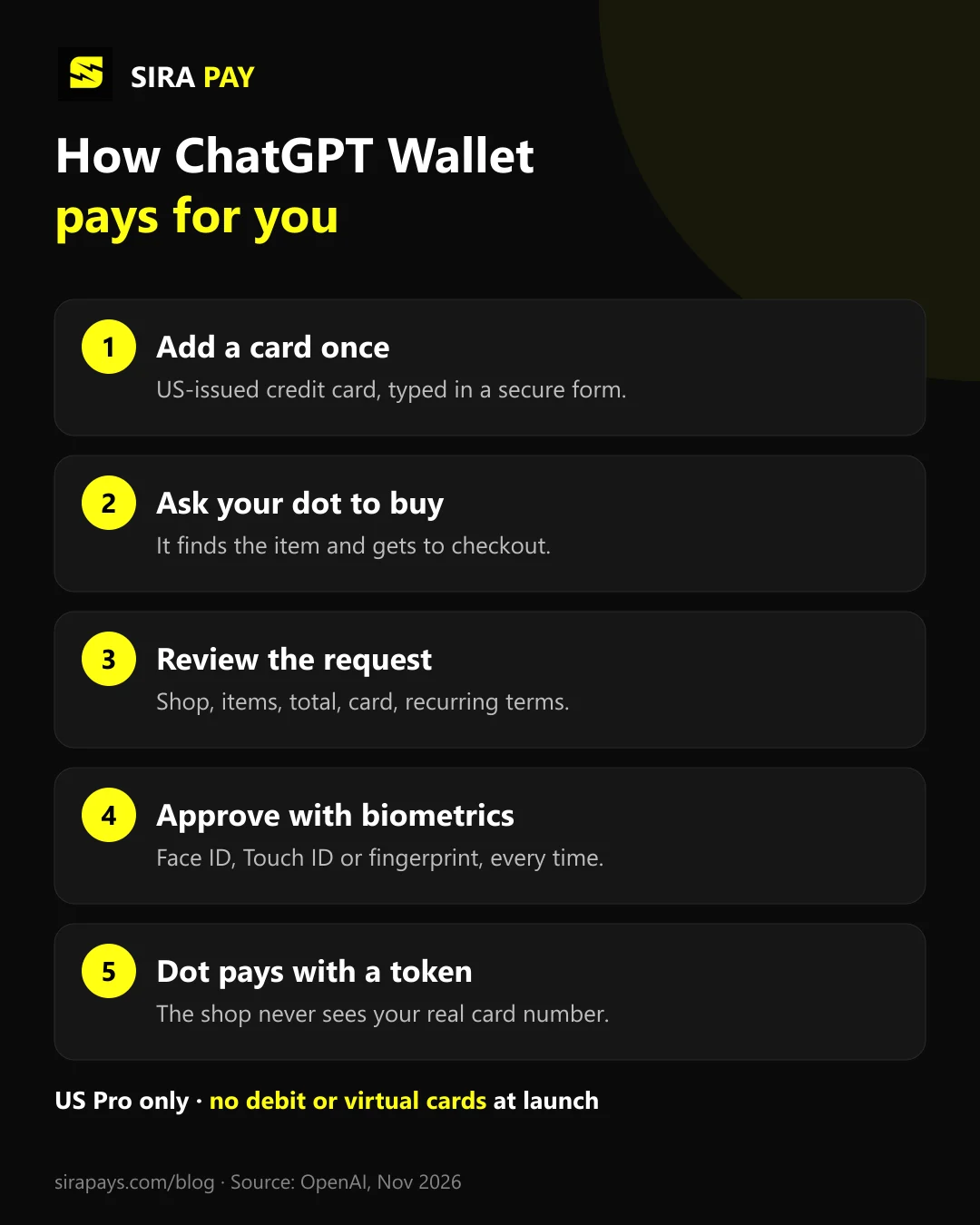
- Add a card once. Ask your dot "Help me add a card to Wallet", or go to Settings and then Wallet. You type the card into a secure form, never into the chat, and your bank may ask you to verify it.
- Ask your dot to buy something. For example, "Book me a hotel in Chicago next weekend." At checkout it asks you to use Wallet.
- Review the request. Check the shop, items, total, the card it will charge, and any shipping or recurring-payment terms.
- Approve with biometrics. Face ID, Touch ID or a fingerprint on a supported device. Every purchase needs its own approval.
- Your dot checks out with a token. The card network creates a stand-in card number, security code and expiry date. The shop charges your card, but neither the shop nor the agent sees your real card details.
One catch from OpenAI's help page: "Ready to check out" means your approval went through, not that the shop placed the order. If something looks unclear, look for the shop's order confirmation before you try again, so you don't pay twice.
Which Cards Work in ChatGPT Wallet
At launch, Wallet takes eligible US-issued credit cards from American Express, Chase, Mastercard and Visa. For a Chase card you must be the primary cardholder, not an authorized user, and you approve the link in the Chase app. Two kinds of cards are out for now:
- Debit cards: OpenAI's answer is a plain no. Use an eligible US-issued credit card instead.
- Virtual cards: "not supported at launch". That includes prepaid virtual cards like SiraPay. (Wallet does use its own virtual card number at checkout, but that's a token it creates, not a card you add.)
You keep your card's usual rewards and dispute protections, for example if an item arrives broken.
Wallet Is Not How You Pay for ChatGPT
This is the part that confuses people. The card you save in Wallet is only for purchases your dot makes at other shops. OpenAI says Wallet cards are separate from your ChatGPT subscription payment method and from any gift card or prepaid balance. So nothing changes about how you pay for Go, Plus or Pro: the same cards that worked before still work, and the same problems still apply. If your plan payment keeps failing, see our guide to fixing "unable to authenticate your payment method".
Outside the US? Here's Where You Stand
Most ChatGPT users can't use Wallet yet. It needs a US address and a US-issued credit card, and dots aren't offered in the EEA, Switzerland or the UK. OpenAI says the limited launch is so it can work with shops, banks and payment networks before it expands, but it hasn't given a timeline. Until then, outside the US you still buy things the normal way, and agent shopping inside ChatGPT stays a US Pro feature.
Safety Tips Before You Let an Agent Pay
- Read the total and any recurring-payment terms before you approve. A shop may store the payment and charge it again under the plan you agreed to.
- Only approve purchases you recognize from sellers you trust. If in doubt, decline.
- Never type card numbers, security codes or bank verification codes into the chat or a support message.
- Know who to call: the shop for orders and refunds, your card issuer for declined or unknown charges, OpenAI Support for Wallet errors.
Where SiraPay Fits
To be clear: SiraPay is a prepaid Visa virtual card, so it can't be added to ChatGPT Wallet at launch. Where it does help is paying for ChatGPT itself, which is a separate payment method. SiraPay works for ChatGPT plans like Go and Plus, and you sign up with your email: no forced KYC, no ID upload and no face scan. Every SiraPay card supports 3D Secure (3DS) and OTP, with the code in the SiraPay app and in your email, so a payment that asks for verification can be confirmed. The card is accepted at 150M+ merchants, people use it in 100+ countries, and you fund it with Binance Pay or crypto from any Web3 wallet.
No SiraPay card renews automatically, so keep enough on the card before your ChatGPT renewal date. For current card prices, Check the app No card can guarantee that every payment is approved.
Quick Answers
What is ChatGPT Wallet?
ChatGPT Wallet is a way for your dot, ChatGPT's always-on agent, to pay for things on your behalf. You save a card once, review each purchase, and approve it with Face ID or a fingerprint. OpenAI launched it on November 13, 2026 with American Express, Mastercard and Visa.
Who can use ChatGPT Wallet?
At launch, only ChatGPT Pro subscribers who are 18 or older, live in the US and have a US billing address. It's rolling out gradually, so even eligible Pro users may not see it yet.
Can I use a debit card or a virtual card in ChatGPT Wallet?
No. OpenAI's help page says Wallet doesn't support debit cards, and virtual cards aren't supported at launch. You need an eligible US-issued American Express, Chase, Mastercard or Visa credit card.
Is ChatGPT Wallet available outside the US?
Not yet. Wallet starts with US Pro users only, and dots themselves aren't offered in the European Economic Area, Switzerland or the UK. OpenAI says it will expand availability but hasn't given dates.
Is the card in ChatGPT Wallet the same card I pay my subscription with?
No. OpenAI says cards saved in Wallet are separate from your ChatGPT subscription payment method and from any gift card or prepaid balance.
Who do I contact if a Wallet purchase goes wrong?
The shop for order status, cancellations, returns and refunds; your card issuer for declined, pending or unrecognized charges; and OpenAI Support for Wallet errors or a purchase that differs from what you approved.
Final Thoughts
ChatGPT Wallet is OpenAI's first real step into agents that shop for you, with a sensible safety design: a token instead of your card number and a biometric check on every purchase. Right now it's a small US Pro test that only takes US-issued credit cards. For everyone else, the useful takeaway is simpler: Wallet doesn't touch how you pay for your ChatGPT plan, so keep a card that works for that.