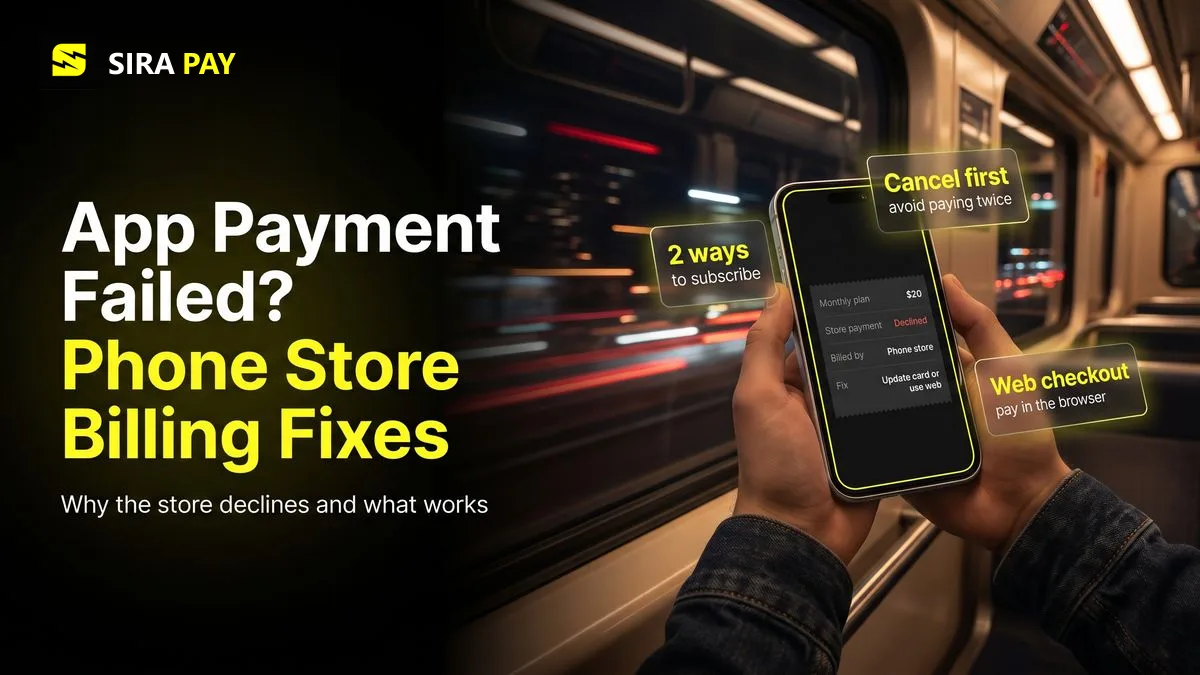
You tap Upgrade in the ChatGPT app, choose Plus, and the payment sheet says it can't complete the purchase. Or it worked last month and the renewal failed. Many people then change their card in ChatGPT's settings and find nothing to change. That is because an app subscription doesn't belong to ChatGPT's billing at all.
This guide explains who bills you in the app, the exact Google Play and App Store errors and their fixes, the local wallets and phone billing the stores accept in many countries, and how to move to web billing without paying twice. Facts were checked on October 26, 2026, against OpenAI, Google and Apple help pages.
Skip the bank hassle — get a privacy-first virtual card in minutes, no forced KYC.🎁 Use code WELCOME23 for 70% off the Monthly Card, or WELCOME07 for 33% off the Yearly Card.
Get Your Virtual Card →In the App, the Store Bills You, Not OpenAI
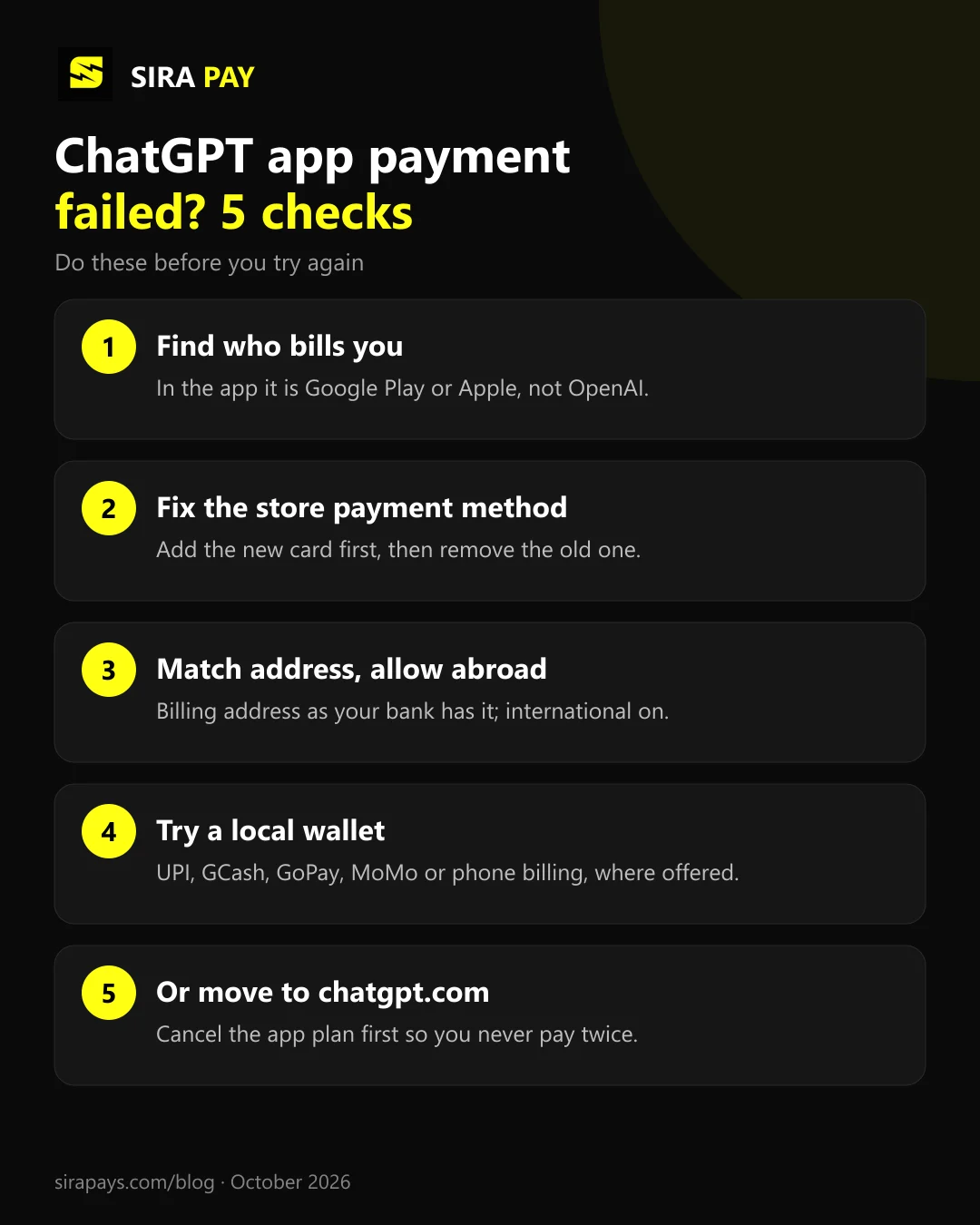
ChatGPT can be bought in three places, and each one runs its own billing. OpenAI's help page on double charges says exactly this: the web, Google Play and the App Store each manage their own subscription, and OpenAI recommends subscribing on chatgpt.com.
| chatgpt.com | Google Play | App Store | |
|---|---|---|---|
| Who charges you | OpenAI | Apple | |
| Where to change the card | ChatGPT settings on chatgpt.com | Google Play payment methods | Apple Account > Payment & Shipping |
| Where to cancel | ChatGPT settings | Google Play subscriptions | Apple subscriptions |
| Refunds | OpenAI support | OpenAI support | Apple |
| Virtual cards | Accepted as normal Visa or Mastercard | Not accepted (Google's own list) | Not listed by Apple |
Two more points from OpenAI's help pages: uninstalling the app doesn't cancel the subscription, and refunds for web and Google Play purchases go through OpenAI support, while App Store refunds go through Apple.
Google Play Declined? The Errors and What They Mean
Google's guide to declined transactions covers each message:
| Message | Fix |
|---|---|
| "Your transaction cannot be completed" | If Google asks for more information, send it first. Otherwise make your card's billing address match your Google payments profile, then try again. |
| "Your payment was declined due to an issue with your account" | Open payments.google.com and act on any alert there. Google may ask you to verify your identity before you can buy anything. |
| "Unable to complete transaction. Please use another form of payment." | Check the card is current and has funds, ask your bank, or switch to another method the store accepts. |
| Card greyed out, "verify on payments.google.com" | Click Verify next to the card. Google makes a small temporary charge with an 8-digit code; enter that code within a few days. |
| Card greyed out, "card is ineligible" | That card can't be used for this purchase. Add a different card or method. |
One rule surprises many people. Google Play's list of payment methods names virtual credit cards among the types Google Play can't be used with, next to wire transfers and transit cards. So a virtual card being refused in the Android app is expected. It is a store rule, not a problem with the card.
App Store Declined? Apple's Fixes
Apple's declined-payment guide comes down to five steps:
- Check your details. Your name and billing address must match what your bank has on file.
- Add a new payment method first, then remove the old one. On iPhone: Settings, tap your name, Payment & Shipping, Add Payment Method. Then tap Edit and remove the old one.
- Pay any unpaid order. Apple can block new purchases until an earlier balance is paid.
- Ask your bank to allow international purchases. Apple says it doesn't know why a bank declined, so only the bank can tell you.
- If you see "Purchase Not Completed", try again, tap Continue and follow the steps to request a review. Apple Support can't speed this up.
Your payment method also has to be one Apple accepts for your Apple Account's country or region. If you moved countries, your Apple Account may still be set to the old one.
The App Stores Accept Local Wallets in Many Countries
This is the upside of paying in the app. Both stores accept local wallets and phone billing in many countries where foreign card payments are hard. From Google Play's and Apple's country lists:
| Country | Google Play and App Store |
|---|---|
| India | Play: UPI (with UPI Autopay for subscriptions), cardsApple: UPI, cards |
| Philippines | Play: GCash, Maya, ShopeePay, PayPal, Smart, Dito and Sun billingApple: GCash, ShopeePay, Smart billing |
| Indonesia | Play: GoPay, OVO, DANA, ShopeePay, carrier billing, Play balanceApple: GoPay, DANA, ShopeePay |
| Vietnam | Play: MoMo, ZaloPay, ShopeePay, MobiFone and Vinaphone billingApple: MoMo, ZaloPay, VNPAY, ShopeePay |
| Egypt | Play: Vodafone and e& phone billing, cardsApple: Vodafone phone billing, cards |
| Türkiye | Play: Turkcell, Türk Telekom and Vodafone billing, Play balanceApple: Paycell, Türk Telekom and Vodafone billing |
| Ghana | Play: MTN Mobile Money, Vodafone Cash, cardsApple: Cards only |
| Kenya | Play: Airtel Money, cardsApple: Cards only |
| Pakistan, Nigeria | Play: Cards only (Verve also in Nigeria)Apple: Cards only |
Read the small print before you rely on one. Google says cash, QRIS and bank transfers can't pay for subscriptions in Indonesia, some carriers can't be used for subscriptions, phone billing works only in the Play Store app, and in the Philippines Globe billing no longer takes new subscriptions. A wallet also needs enough balance on every renewal date.
Why the Price Can Be Different in the App
The stores set prices by your store account's country and build in their own fees. In the US, Plus is $19.99 in the App Store and $20 on the web, but outside the US the gap can go either way. The app sheet shows the exact price before you confirm, so compare it with the web price at chatgpt.com, where OpenAI can also bill in some local currencies.
Five Checks Before You Try Again
Moving From App Billing to the Web Without Paying Twice
If the store keeps refusing your payment methods, the web is the cleaner route. Do it in this order:
- Find the active subscription. Check Google Play subscriptions or your Apple subscriptions, using the store account you subscribed with.
- Cancel it there, even if it looks inactive, and confirm it won't renew. Plus stays until the end of the paid period.
- Wait for it to end, then sign in to chatgpt.com in a browser with the same ChatGPT account.
- Subscribe on the web with a card or local method that works there.
OpenAI warns that two subscriptions bought separately don't automatically qualify for a refund, so the order matters. If you paid in the iPhone app and ChatGPT still shows Free, use Restore purchases in the app's Account settings while signed in to the account you subscribed with. App subscriptions can't be moved between ChatGPT accounts. Our guide to being charged but still on Free covers the other cases.
When Your Cards Keep Failing on the Web Too
If you move to chatgpt.com and your local cards are declined there as well, the card is the problem. Our guide to the "payment was not approved" error covers the bank-side fixes first. When those don't work, SiraPay is a privacy-first virtual card built for that gap. You create it with no forced KYC, no ID upload and no face scan, and it runs as a standard Visa accepted at 150M+ merchants. People use SiraPay in 100+ countries.
Use it at ChatGPT's web checkout, not inside Google Play, which doesn't take virtual cards. SiraPay offers Visa cards in the Infinite, Platinum and Classic ranges, and the ChatGPT Card is in the Classic range, made for ChatGPT subscriptions. Code ChatGPT1 gives 60% off it, and every new account gets a $2 welcome bonus with the steps shown in the app. For the current card price, Check the app
No card can guarantee approval: OpenAI and its payment processor make the final call. Answers to common questions are in our Help Center.
Quick Answers
Can I change the card for a ChatGPT subscription I bought in the app?
Not inside ChatGPT. If you subscribed through Google Play, change the payment method in Google Play; if you subscribed through the App Store, change it in your Apple Account under Payment & Shipping.
Does Google Play accept virtual cards for ChatGPT?
No. Google's own payment-methods page lists virtual credit cards among the types Google Play can't be used with. A virtual Visa card works at ChatGPT's web checkout on chatgpt.com instead.
Will I be charged twice if I subscribe on the web after the app?
You can be. Each platform bills separately, so cancel the Google Play or App Store subscription first, wait for it to end, then subscribe on chatgpt.com.
I paid in the iPhone app but ChatGPT still shows Free. What now?
Sign in to the same ChatGPT account you used to subscribe and tap Restore purchases in the app's Account settings. App subscriptions can't be moved between ChatGPT accounts. If it still shows Free, contact OpenAI support.
Why is ChatGPT Plus a different price in the app?
The App Store and Google Play set prices by your store account's country and include their fees, so the app price can be higher or lower than the $20 web price.
Final Thoughts
A ChatGPT payment that fails in the app is a store problem, not a ChatGPT one. Fix it in Google Play or your Apple Account, try a local wallet or phone billing if your country has one, and if the store still says no, cancel there and subscribe on the web, in that order, so you never pay twice.