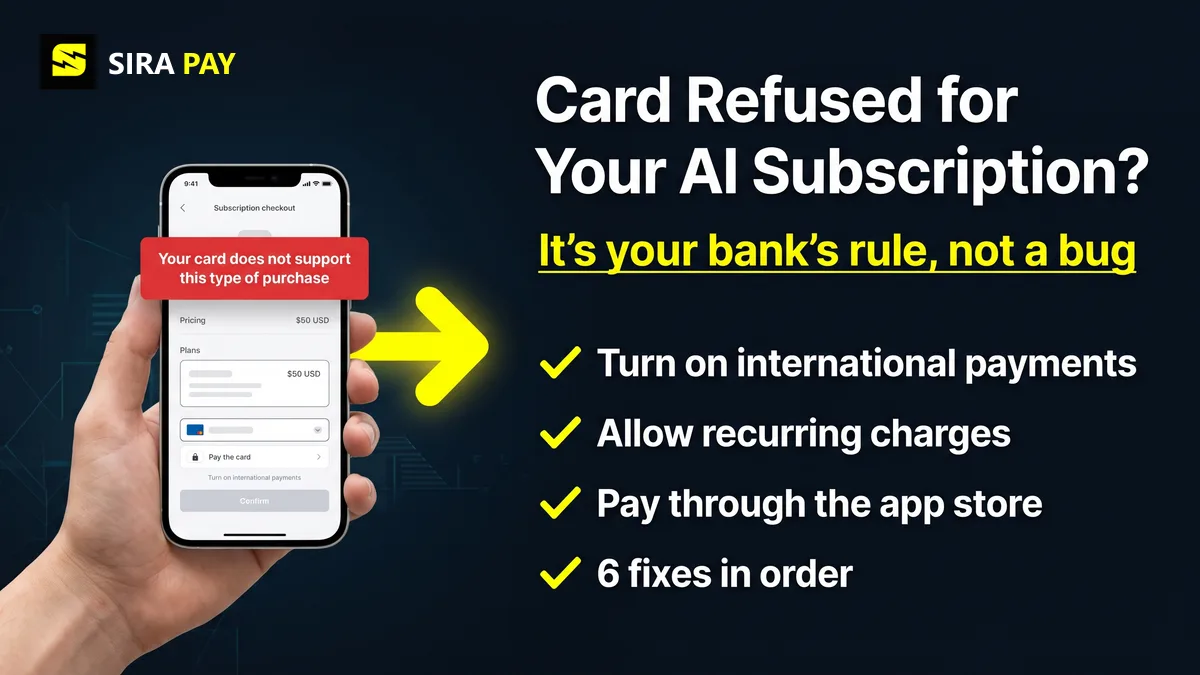
You enter your card on the ChatGPT checkout, press subscribe, and get a flat refusal: "Your card does not support this type of purchase." The card isn't expired and there's money on it, so what's going on? The short version: your bank has rules for what the card may pay for, and a ChatGPT subscription breaks one of them. Here's how to find which one and fix it.
Sources, checked on November 15, 2026: Stripe's decline codes reference and OpenAI's help pages on declined cards and supported payment methods.
Skip the bank hassle — get a privacy-first virtual card in minutes, no forced KYC.🎁 Use code WELCOME23 for 70% off the Monthly Card, or WELCOME07 for 33% off the Yearly Card.
Get Your Virtual Card →What the Error Actually Means
ChatGPT's web checkout runs on Stripe, and this sentence matches Stripe's card_not_supported decline code. Stripe describes it in five words: the card doesn't support this type of purchase. Its advice is that the customer contacts the card issuer to make sure the card can be used for it. In other words, the bank looked at the charge and said "not on this card".
Don't expect OpenAI to tell you more. Its help page says it typically doesn't receive detailed decline reasons from banks, so the bank is the quickest place to get an answer.
Six Reasons Your Card Refuses ChatGPT
| Cause | What's going on | Fix |
|---|---|---|
| Online payments are switched off | Many banking apps have a separate switch for online or e-commerce payments | Turn on online payments in your bank app |
| International payments are switched off | For most cards outside the US, a ChatGPT charge counts as a foreign online payment | Turn on international use, or ask the bank to |
| Recurring payments are blocked | ChatGPT is a monthly subscription, and some cards refuse repeat charges | Ask the bank to allow subscriptions on the card |
| The card only works in your country | Some local cards are domestic-only, like Turkish TROY cards that start with 9 | Use a Visa or Mastercard that works abroad |
| The card type isn't allowed for this | Some banks keep certain debit or prepaid cards for local use only | Ask the bank, or try a different card |
| Card issued outside supported regions | OpenAI needs the card to come from a bank in a supported country | Use a card from a supported country |
How to Fix It, in Order
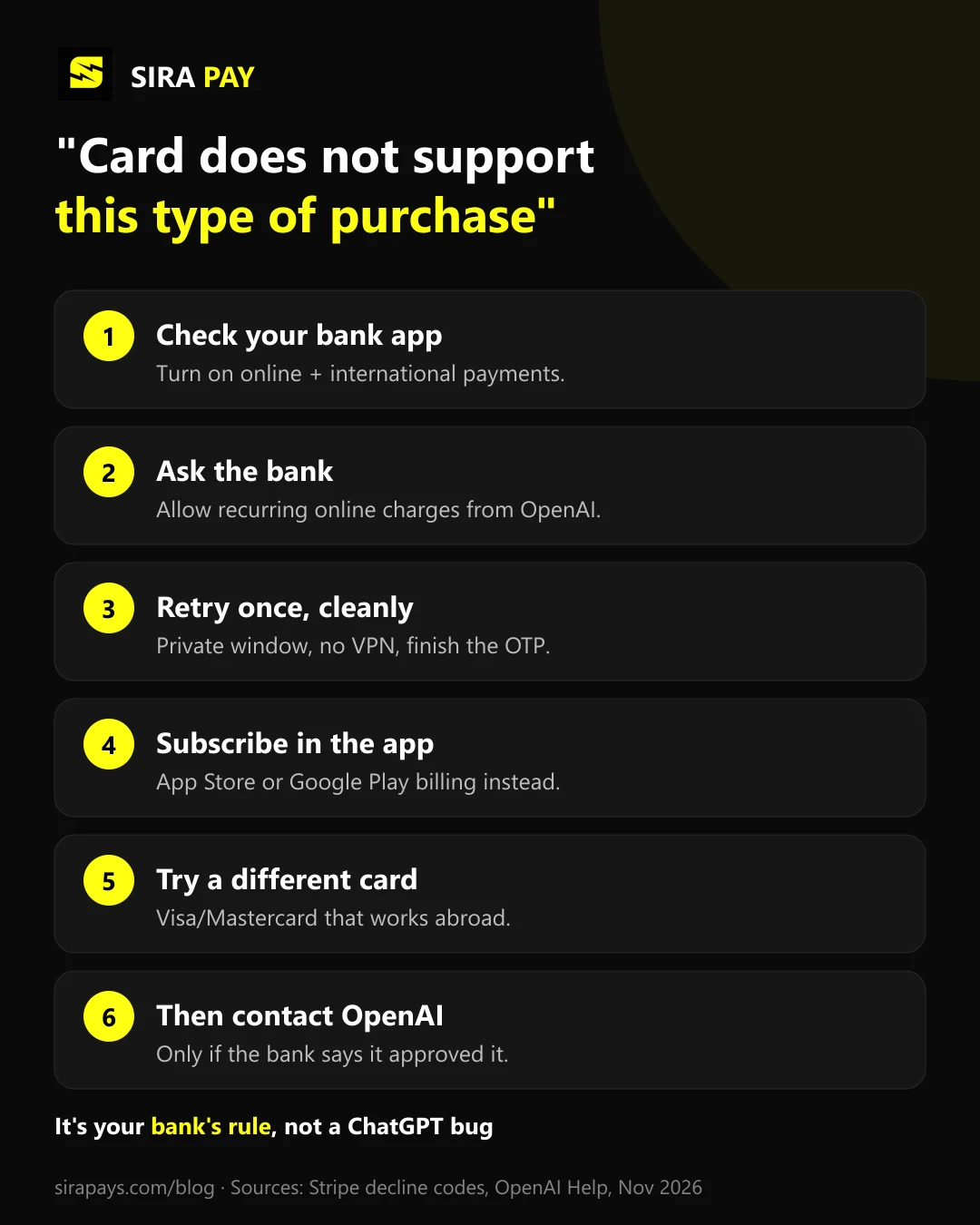
- Check your bank app. Look for switches called online payments, e-commerce, international use or card-not-present payments, and turn them on. Check the online spending limit too.
- Call or message your bank. Tell them the card was refused for an online subscription from OpenAI (ChatGPT), and ask them to allow international and recurring online payments on it. If they can't, ask which of their cards can.
- Retry once, cleanly. Use a private window, switch off any VPN, and complete the bank's 3D Secure or OTP step if it appears, without refreshing the page.
- Subscribe in the app instead. Inside the ChatGPT app, Apple or Google bills you through your store account, which can take payment methods your card settings don't affect. Prices can differ from the web.
- Try a different card. A Visa or Mastercard credit or debit card that already works for foreign online subscriptions is the best bet. Domestic-only cards won't work, whatever you do.
- Contact OpenAI only if the bank approved it. If your bank says it never refused the payment, write to OpenAI Support with the exact error, when it happened and your time zone. Never send your card number or security code.
Similar ChatGPT Payment Errors, Explained
| "Your card does not support this type of purchase" | The bank refuses this kind of charge (online, foreign or recurring). |
| "Your card does not support this currency" | The card can't pay in the currency shown at checkout. |
| "Your card was declined" | A general refusal. The bank doesn't say why. |
| "We are unable to authenticate your payment method" | The 3D Secure or OTP check didn't finish. |
| "Payment was not approved" | ChatGPT's own wording for a failed payment, often on trials and offers. |
If you see one of the others, we have separate guides for "unable to authenticate your payment method" and "payment was not approved".
Are Prepaid and Virtual Cards Allowed?
Yes, for ChatGPT plans. OpenAI's help page only says prepaid cards can't be used to buy API credits; it doesn't rule them out for Go, Plus or other ChatGPT subscriptions. What matters is that the card itself allows online, international and recurring charges, and that it comes from a bank in a supported country.
If Your Bank Won't Change It: SiraPay
Some banks simply don't allow foreign subscriptions on their cards. That's the gap SiraPay fills. It's a privacy-first Visa virtual card made for online payments abroad, and it works for ChatGPT plans like Go and Plus. You sign up with your email, with no forced KYC, no ID upload and no face scan. Every SiraPay card supports 3D Secure (3DS) and OTP, with the code in the SiraPay app and in your email, so a payment that asks for verification can be confirmed. It's accepted at 150M+ merchants, people use it in 100+ countries, and you fund it with Binance Pay or crypto from any Web3 wallet.
No SiraPay card renews automatically, so keep enough on it before your ChatGPT renewal date. For current card prices, Check the app No card can guarantee that every payment is approved, and OpenAI makes its own decision on each one.
Watch it work
A real ChatGPT payment with a SiraPay card
Our step-by-step video tutorial: paying for a ChatGPT subscription with a SiraPay virtual card.
Quick Answers
What does "Your card does not support this type of purchase" mean on ChatGPT?
It means your bank refused this kind of payment, not that your card number is wrong. In Stripe's decline codes it's card_not_supported: the card doesn't support this type of purchase, and the next step is to ask the card issuer whether the card can be used for it. Usually the card blocks online, international or recurring charges.
Can OpenAI fix this error for me?
Usually not. OpenAI says it typically doesn't receive detailed decline reasons from banks, so contacting your bank is often the quickest fix. Contact OpenAI Support only if the bank confirms it approved the payment.
Does ChatGPT accept debit cards and prepaid cards?
Yes for debit cards. OpenAI's help page only rules out prepaid cards for buying API credits, not for ChatGPT plans. Whether a specific debit or prepaid card works still depends on the bank allowing online, international and recurring charges.
Will trying again or using another browser fix it?
Not on its own. A different browser helps with 3D Secure pop-ups, but this error comes from the bank's rules for your card. Change the card settings first, then retry once.
Can I pay for ChatGPT through the App Store or Google Play instead?
Yes. You can subscribe inside the ChatGPT app, and Apple or Google charges you with whatever payment methods your store account accepts. Prices can differ from the web, and you then manage or cancel the plan in that store.
Is this the same as "payment was not approved"?
No. "Payment was not approved" is a broader message that also shows up on free trials and offers. "Does not support this type of purchase" points to the card's own settings, so the fix starts with your bank.
Final Thoughts
"Your card does not support this type of purchase" sounds final, but it's usually a switch in your bank app. Turn on online, international and recurring payments, retry once, and if your bank won't budge, subscribe in the app or use a card built for international subscriptions.