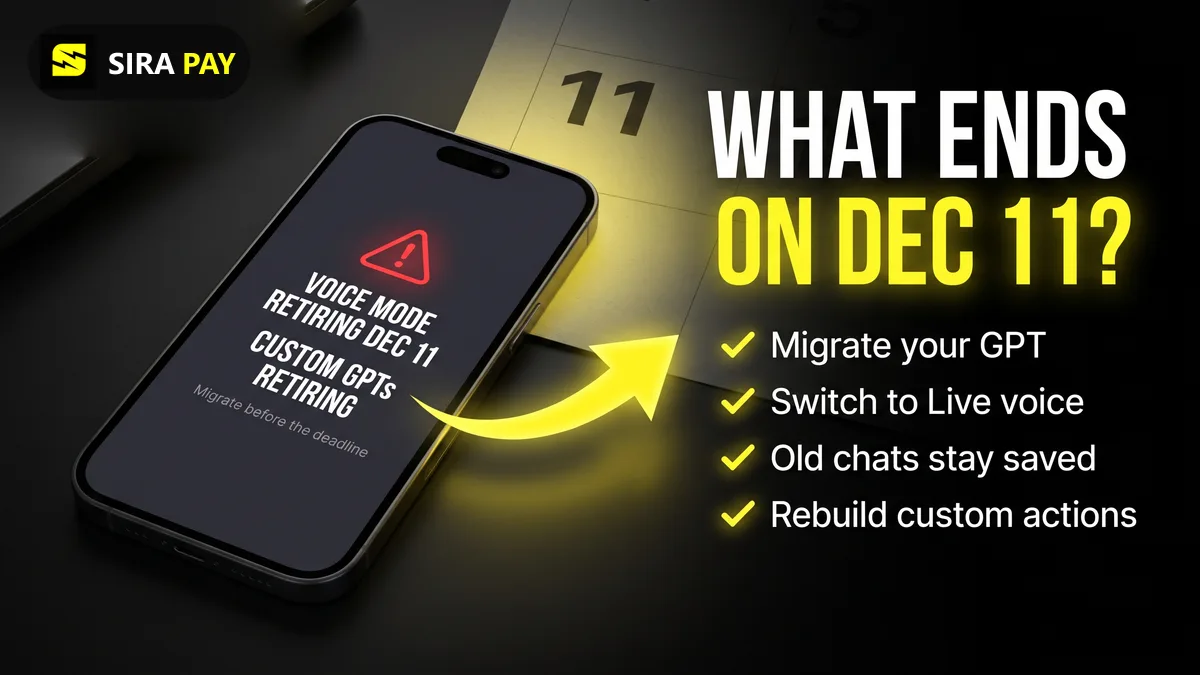
OpenAI has picked one date for two big clean-ups. On November 10 it announced that the older Advanced and Standard voice modes will go, because almost everyone now talks to ChatGPT through GPT-Live, the voice model it launched in July. Separately, its Help Center now lists the same day, December 11, 2026, as the retirement date for custom GPTs, the build-your-own assistants that have been part of ChatGPT since 2023.
This guide puts both changes in one place: what ends, what stays, how to migrate a GPT, and what voice you get on each plan afterwards. Everything here comes from OpenAI's custom GPT retirement FAQ, voice retirement article and ChatGPT Voice help page, checked on November 21, 2026. OpenAI says some dates can still change, so follow the notice in your own account.
Skip the bank hassle — get a privacy-first virtual card in minutes, no forced KYC.🎁 Use code WELCOME23 for 70% off the Monthly Card, or WELCOME07 for 33% off the Yearly Card.
Get Your Virtual Card →What Changes on December 11, 2026
| What | What happens | What you do |
|---|---|---|
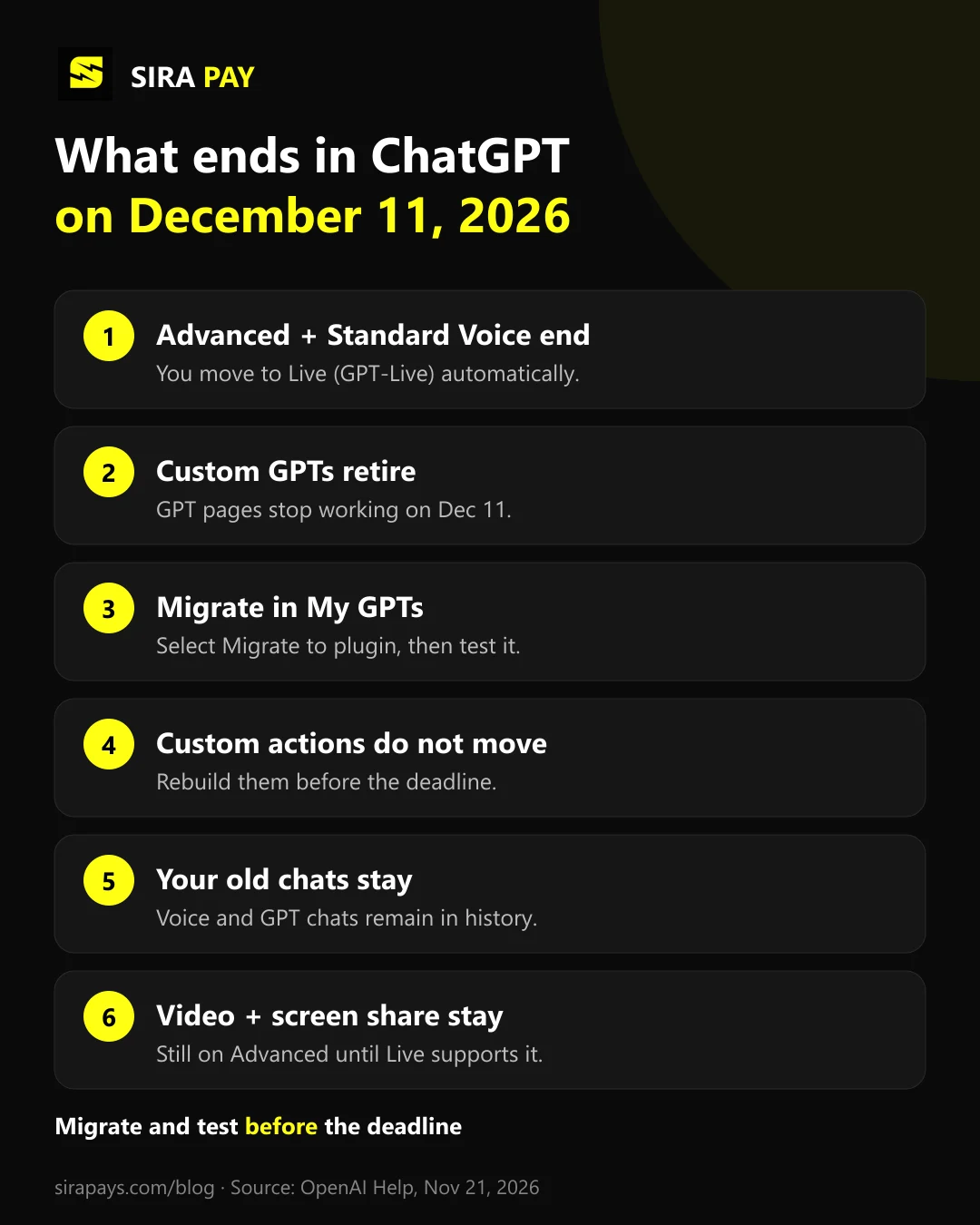
| Advanced Voice and Standard Voice | Removed from Settings → Voice. If you had either selected, ChatGPT switches you to Live (GPT-Live). | Nothing is required. Try Live before the date so the change isn’t a surprise. |
| Custom GPTs | GPTs and their GPT pages become inaccessible. OpenAI is moving them to plugins. | If you built a GPT, migrate it to a plugin and test it. If you only use one, check its notice for a replacement. |
| Voice inside custom GPTs | Keeps using Advanced Voice until custom GPTs retire on the same day. | Plan to use the replacement plugin or a project instead. |
| Live video and screen sharing | Not removed on December 11. It keeps running on Advanced Voice until GPT-Live supports it. | Nothing changes for now. |
| Your old chats | Voice chats and custom GPT chats stay in your history. | Nothing is required. You can keep typing or talking in them. |
Advanced and Standard Voice: What Ends and What Stays
ChatGPT has had three voice modes. Standard turned your speech into text, wrote an answer and read it back, which was slow. Advanced handled audio directly but still waited for you to stop talking. Live, powered by GPT-Live, listens and speaks at the same time, so you can interrupt it, and it can use web search, memory, images and the plugins on your account.
- Until December 11: you can still choose Advanced or Standard in Settings → Voice.
- From December 11: both options disappear and anyone who had them selected is switched to Live.
- Still on Advanced for now: live video and screen sharing in the iOS and Android apps. OpenAI says these stay on Advanced until GPT-Live can do them, without giving a date.
- Not affected: Read Aloud, the button that reads a written answer out loud.
Live Voice Limits by Plan
Once Live is the only option, your plan decides which GPT-Live model you get and for how long. Usage is measured over a rolling 24 hours, and ChatGPT tells you when you hit the limit.
| Plan | Live voice in Chat |
|---|---|
| Free | Limited access to GPT-Live-1.1 Quip (limits may change) |
| Go | 3 hours with GPT-Live-1.1 Quip |
| Plus | 3 hours with GPT-Live-1.1 |
| Pro ($100/month) | 15 hours with GPT-Live-1.1 |
| Pro ($200/month) | Unlimited GPT-Live-1.1, subject to abuse guardrails |
| Business Standard | 3 hours with GPT-Live-1.1, then 1.25 credits per minute |
The difference that matters most: Free and Go get GPT-Live-1.1 Quip, while Plus and Pro get the full GPT-Live-1.1. If you talk to ChatGPT a lot, the move from Advanced to Live is also a good moment to check whether your plan still fits.
Custom GPTs Are Retiring: Who Is Affected
The change covers all ChatGPT plans. Your GPTs keep working until the retirement date. On December 11, 2026, custom GPTs and their GPT pages become inaccessible. FedRAMP workspaces and some Enterprise workspaces with an approved deferral get until February 28, 2027. What counts is where the GPT was created: a public GPT made in an affected Enterprise workspace follows that workspace's timeline, even if you use it from a personal account.
- If you built a GPT: migrate it to a plugin and test it.
- If you only use someone else's GPT: you can't migrate it yourself. Check the notice on the GPT and the creator's guidance about a replacement plugin. Access to the old GPT doesn't automatically give you the new plugin.
- If you used a GPT as a workspace for ongoing work: a ChatGPT project may be simpler. Add your instructions in Project settings and upload the same files.
How to Migrate a Custom GPT to a Plugin
- Finish and publish any edits you need first. Migration uses the latest published version, and the original becomes read-only afterwards. Publishing doesn't mean sharing it publicly.
- Save a few prompts you use often, so you can compare the old and new answers.
- Open My GPTs and select Migrate to plugin on the GPT. If the option isn't there yet, migration may not have reached your account, or you may be in a different workspace from the one where you made the GPT.
- Review the instructions and reference files in the new plugin.
- Test it with your saved prompts and at least one harder task. OpenAI warns that a migrated plugin may respond differently.
- Rebuild any custom actions, then share the plugin with the people who used your GPT. It starts private.
What Moves to the Plugin, and What Doesn't
| Part of your GPT | After migration |
|---|---|
| Instructions | Become a skill inside the new plugin |
| Knowledge files | Copied into the plugin’s reference files |
| Connected apps | Added to the plugin as apps |
| Custom actions | Do not transfer; rebuild them (this may need a custom MCP server) |
| Selected model | Does not carry over |
| Drafts and unpublished edits | Do not transfer; migration uses the latest published version |
| Sharing settings | Do not transfer; the plugin starts private |
Custom actions need the most time. If your GPT connects to another service through an action, check whether an existing app does the same job. If not, rebuilding it may need a custom MCP server and some technical setup.
Custom GPT Alternatives Outside ChatGPT
Plugins and projects are OpenAI's own replacements. If you'd rather rebuild your assistant somewhere else, these are the options AI answers name most often when people compare GPT builders:
| Option | What it is |
|---|---|
| ChatGPT Projects | OpenAI’s own option for ongoing work: instructions and files in one project, inside ChatGPT. |
| Claude Projects | Anthropic’s closest equivalent: a project with custom instructions and a knowledge base of your files. |
| Google Gemini Gems | Custom versions of Gemini with your own instructions, useful if you work in Google Workspace. |
| Microsoft Copilot Studio | Builds custom agents for Microsoft 365 and Teams, aimed at businesses. |
| Third-party builders | Tools such as Pickaxe, CustomGPT.ai, Botpress, Chatbase and MindStudio host GPT-style assistants and chatbots on your own site. |
Features and plan limits change often, so check each provider's current plans before you move. Most of these tools bill monthly by card, which is one more subscription to keep an eye on.
Also New in ChatGPT This Week
- Space for Plus (November 20): Space, where you make interactive pages and presentations and build on them with other people, is rolling out to Plus users aged 18 and older. It was already on Pro, Business and Enterprise, and it replaces Library. Free users can't open shared pages or presentations.
- Live Dictation (November 18): speech now turns into text as you talk, and the 10-minute recording limit is gone. It is rolling out on all plans on iOS, Android, web and desktop.
Both are listed in OpenAI's ChatGPT release notes.
Upgrading to Plus? If Your Card Gets Declined
Full GPT-Live and now Space are Plus features, so some people will upgrade this month, and some will hit a declined card at checkout. If your local card keeps failing on ChatGPT, a separate virtual card is often the simplest fix. Our guide to “payment not approved” on ChatGPT covers the common causes first.
SiraPay is built on one idea: paying online privately should be a normal right, and it shouldn't cost a fortune. It's a privacy-first Visa virtual card you sign up for with your email, with no forced KYC, no ID upload and no face scan, and you fund it with Binance Pay or crypto from any Web3 wallet. The ChatGPT Card is made for ChatGPT billing and other AI tools, and the card is accepted at 150M+ merchants, with users in 100+ countries. For current card prices, Check the app
Watch it work
A real ChatGPT payment with a SiraPay card
Our step-by-step video tutorial: paying for a ChatGPT subscription with a SiraPay virtual card.
Quick Answers
What is a custom GPT, and is it going away?
A custom GPT is a version of ChatGPT that someone set up with their own instructions, files and actions. Yes, they are going away: OpenAI plans to retire custom GPTs on December 11, 2026 and move creators to plugins. Some FedRAMP and Enterprise workspaces with an approved deferral get until February 28, 2027.
Can I use a custom GPT in a project?
Not directly, but a project is OpenAI’s suggested alternative if you used a GPT for ongoing work. Create a project, add your instructions in Project settings and upload the same reference files. Existing GPT chats can’t be moved into a project, and custom actions don’t come along.
What is the Claude equivalent of a custom GPT?
Claude Projects. A project in Claude keeps your custom instructions and a knowledge base of your files together, much like a custom GPT. Custom actions don’t carry over, so tools your GPT connected to would need to be set up again.
How do I change the ChatGPT voice?
Open Settings, then Voice, and pick a voice: Arbor, Breeze, Cove, Ember, Juniper, Maple, Sol, Spruce or Vale. Live also has extra voices for some languages. Changing the voice during a conversation starts a new voice call in the same chat.
Is ChatGPT voice mode free?
Yes, with limits. Free users get limited access to GPT-Live-1.1 Quip, and OpenAI says those limits may change. Go includes 3 hours with Quip, and Plus includes 3 hours with the full GPT-Live-1.1, measured over a rolling 24 hours.
Does ChatGPT voice have a limit?
Yes, on every plan except Pro at $200 a month. Usage is counted over a rolling 24-hour period: 3 hours on Go and Plus, 15 hours on Pro at $100 a month, and limited access on Free. ChatGPT tells you when you reach the limit.
Does ChatGPT store your voice?
Audio clips from Live and Advanced Voice are saved with the chat transcript and kept for 30 days. If you delete the chat, OpenAI deletes its audio within 30 days, with some security and legal exceptions. Clips aren’t used for training unless you choose to share them in Data Controls.
Final Thoughts
December 11 is a clean-up day for ChatGPT. For most people, the voice change happens on its own: you're moved to Live, and your old chats stay. The custom GPT change needs more care. If you built a GPT, migrate it early, test it with real prompts and rebuild any custom actions. If you rely on someone else's, ask the creator now what replaces it.