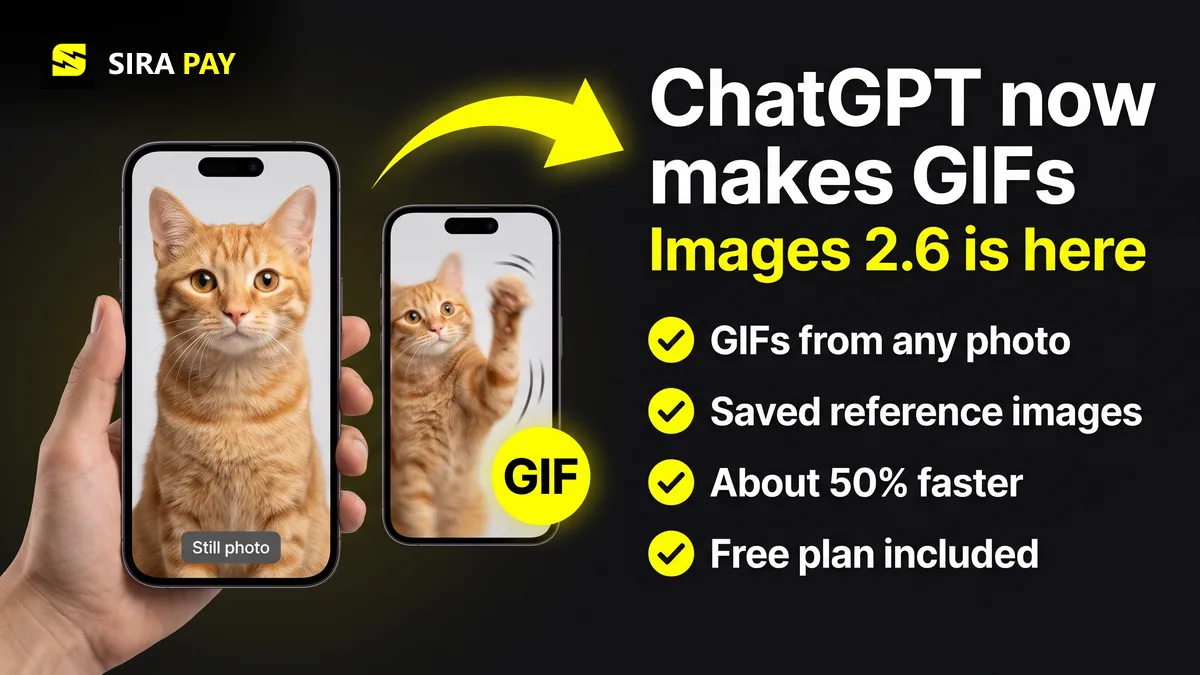
Two months after Images 2.5, OpenAI shipped another image update, and this one adds something people have asked for since image generation arrived in ChatGPT: motion. Below is what changed, what you get on Free, Go, Plus and Pro, what developers should know about the new API pricing, and how to pay for a plan if your card keeps getting declined. Everything here was checked against OpenAI's announcement on November 7, 2026.
Skip the bank hassle — get a privacy-first virtual card in minutes, no forced KYC.🎁 Use code WELCOME23 for 70% off the Monthly Card, or WELCOME07 for 33% off the Yearly Card.
Get Your Virtual Card →What's New in ChatGPT Images 2.6
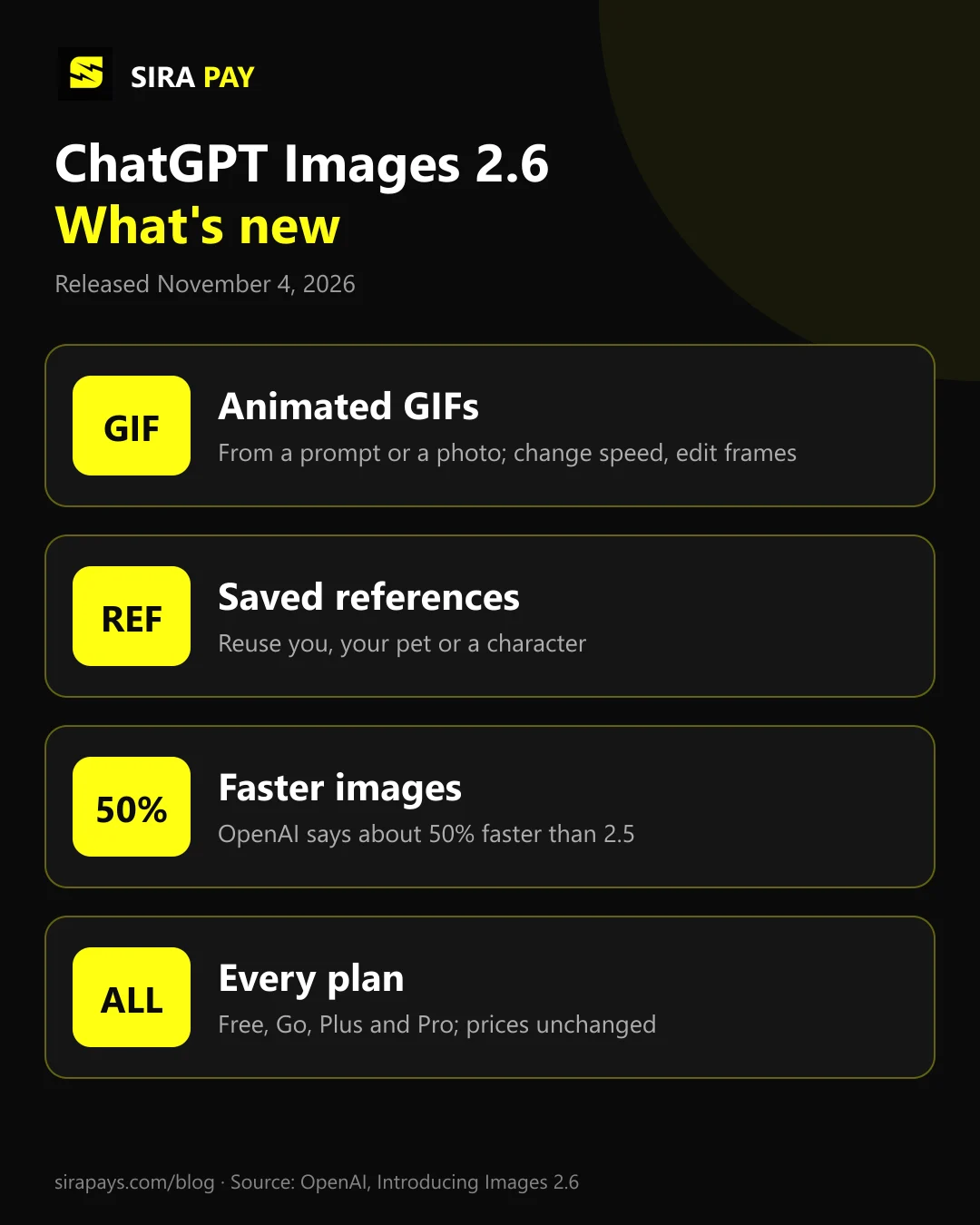
- Animated GIFs. Describe a GIF or upload an image, and ChatGPT animates it. You can change the speed and edit individual frames before you download or share the loop.
- Saved reference images. Keep photos of yourself, your pet or a recurring character ready to reuse, so you don't have to upload the same picture in every new chat.
- About 50% faster. OpenAI says images now generate about 50% faster than before. It has not published how it measured this.
- More consistent edits. When you ask for several changes in a row, details such as faces, text and layout are meant to stay the same between versions.
- Watermarks. According to the Images 2.6 system card, images carry C2PA metadata and Google DeepMind's SynthID watermark, so they can be identified as AI-made.
OpenAI also says people now create about 4 billion images a week across ChatGPT, Codex and the API. Early users on OpenAI's developer forum have also reported that some content filters feel stricter than in 2.5. That is user feedback, not an OpenAI statement, but if a prompt that worked last week is now refused, the update is the likely reason.
What Each ChatGPT Plan Gets
| Plan | Images 2.6 |
|---|---|
| Free$0 | Images 2.6, GIFs and saved references, with a limited number of images. |
| Go$8 a month (US) | Everything in Free, with more image creation. |
| Plus$20 a month (US) | More complex and accurate images, including image generation with Thinking. |
| ProFrom $100 a month (US) | Unlimited and faster image creation, plus Thinking. |
OpenAI doesn't publish exact image quotas, and it hasn't given separate GIF limits per plan. In practice, Free is fine for trying GIFs and the occasional picture, and Go adds room for regular use at a low price. Plus is the step up if you need images with lots of text, diagrams or precise layouts, because image generation with Thinking plans the picture before drawing it. Pro is for people who generate all day. If you're deciding between plans for other reasons too, see our Free vs Go vs Plus comparison and our note on the doubled Pro limits.
How to Make a GIF in ChatGPT
- Open ChatGPT on the web, desktop or mobile app and start a new chat.
- Ask for a GIF in plain words, for example "make a GIF of a cat waving", or upload a photo and ask ChatGPT to animate it.
- Change the speed or edit a frame if something looks off.
- Download the GIF or share it straight from the chat.
If you don't see GIF options yet, update the app and try again on the web, since new features can take a little time to reach every account.
For Developers: Flare, Sunburst and the New Prices
The API gets two models: GPT-Image-2.6 Flare, built for fast drafts (OpenAI says a low-quality image can arrive in about six seconds), and GPT-Image-2.6 Sunburst, built for detailed work. Both add GIF and SVG output and a new complexity setting. Token rates didn't change, but a 2.6 image uses more output tokens at low and medium quality, so each image costs more. Estimates for a 1024x1024 image from OpenAI's calculator, as summarized by eesel:
| Quality | 2.5 | 2.6 |
|---|---|---|
| Low | $0.006 | $0.025About 4.2x more |
| Medium | $0.013 | $0.043About 3.3x more |
| High | $0.053 | $0.053Same |
If you run cheap, high-volume image jobs, test your bill before moving everything to 2.6. API usage is billed to a card on your OpenAI platform account, separately from any ChatGPT plan.
Paying for Go, Plus or Pro From Outside the US
Images 2.6 is a good reason to upgrade, but for many people the hard part is the payment, not the choice of plan. Cards from many countries are declined on chatgpt.com because foreign online payments are switched off, the card is local-only, or the bank blocks the charge. Our guide to the "payment was not approved" error covers the bank-side fixes, and in some countries chatgpt.com also takes local methods such as UPI in India or GCash in the Philippines.
If your cards still fail, SiraPay is a privacy-first Visa virtual card you can use for ChatGPT. You sign up with your email, with no forced KYC, no ID upload and no face scan. The card is accepted at 150M+ merchants, and people use SiraPay in 100+ countries. You add funds with Binance Pay or crypto from any Web3 wallet. The ChatGPT Card is made for ChatGPT and other AI subscriptions, and code ChatGPT1 gives 60% off it. No SiraPay card renews by itself, so keep the plan price on the card before each billing date. Card prices are in the app: Check the app
No card can promise that every payment is approved, and a card doesn't change your country's rules on foreign exchange, crypto or tax. Answers to common questions are in our Help Center.
Quick Answers
Is ChatGPT Images 2.6 free?
Yes. OpenAI says Images 2.6 is available in ChatGPT and Codex on every plan, including Free, on web, desktop and mobile. Free accounts get a limited number of images; paid plans get more.
Can ChatGPT make GIFs now?
Yes. With Images 2.6 you can turn a prompt or an image into an animated GIF, change its speed and edit single frames before you share it.
What are saved reference images in ChatGPT?
You can keep reference images of yourself, a pet or a character and reuse them in new images without uploading them again each time.
Did ChatGPT Plus get more expensive with Images 2.6?
No. The update did not change any ChatGPT plan price. Plus is still $20 a month in the US, and local prices vary by country.
Final Thoughts
Images 2.6 is a solid update for everyday users: GIFs and saved references are on every plan, and images come back faster. You don't need to pay to try it. If you hit the Free limit or want sharper text and layouts, Go and Plus are the next steps, and nothing about their price changed. Developers should check the higher per-image cost at low and medium quality before switching.